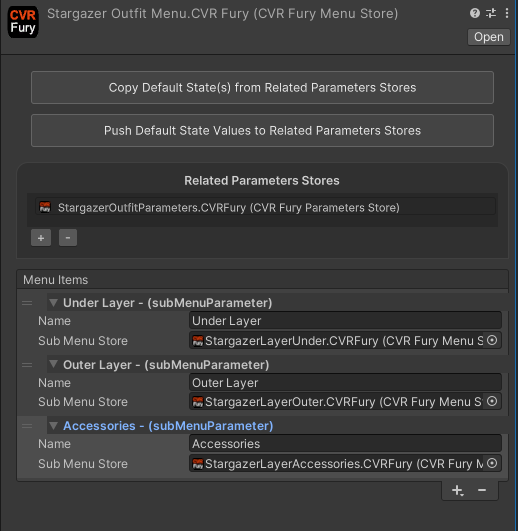
Menu and Parameter Conversion
Menu and parameter conversion is now handled directly on the relevant component in the inspector — there are no longer separate converter windows.
Expression Parameters
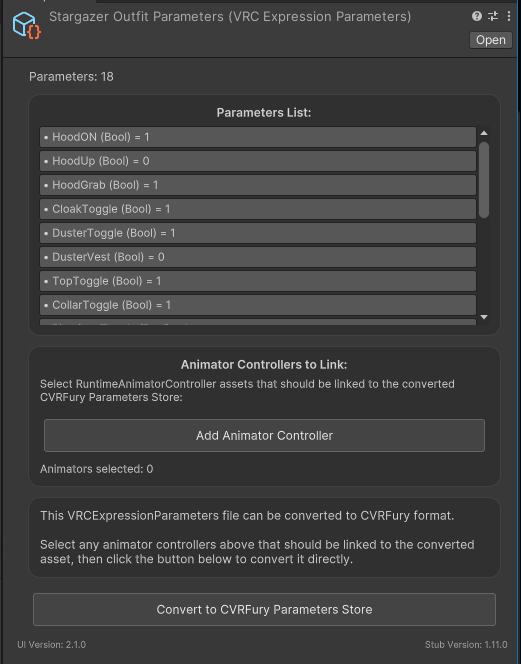
Parameter conversion is done on the component itself. The parameter list is visible directly in the inspector once converted.
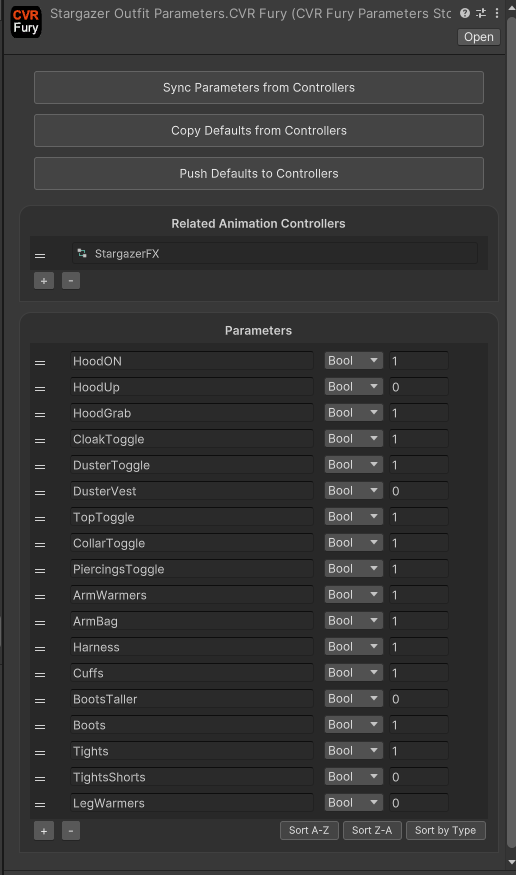
The following shows an example of the resulting CVRFury parameter list component after conversion.
Expression Menu
Menu conversion is also done on the component. The converted menu entries are visible in the inspector, including support for submenu links.
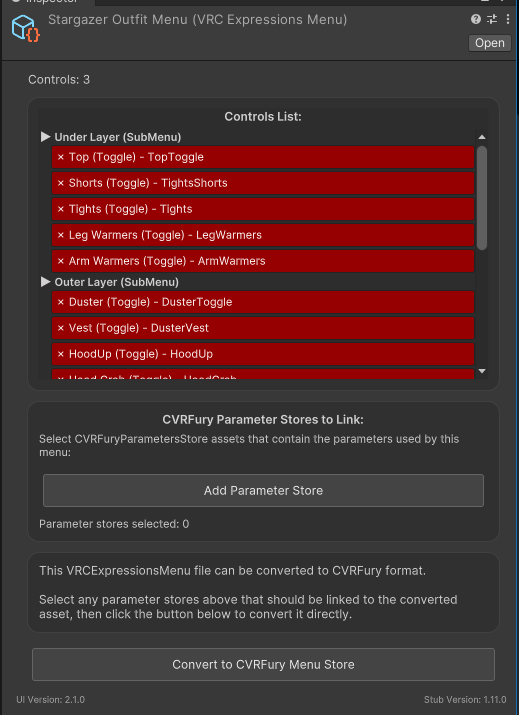
The following shows an example of the resulting CVRFury menu component after conversion.